Off-Grid Heartbeat
Bedroom Pop
2:50Listen
“Intimate bedroom pop with warm acoustic guitar, soft whispery female vocals, nostalgic synth pads, and a slightly swinging lo-fi groove.”
Create AI songs from prompts, lyrics, styles, vocals, and instruments in minutes. Generate full tracks online with realistic vocals and a simple music creation workflow.
Free to start, no subscription required.
Mureka AI Music Generator is an end-to-end music creation workflow built for fast ideation and usable output. It can start from text prompts, pasted lyrics, song styles, genres, vocal direction, or instrument choices, then turn that input into a structured song with vocals, melody, instruments, and arrangement.
This site currently supports both Mureka V8 and Mureka V9 models. V9 builds on V8 with stronger song structure, more natural vocal expression, improved prompt understanding, and better overall track coherence, making it a better choice for creators who want more polished AI songs from simple inputs.
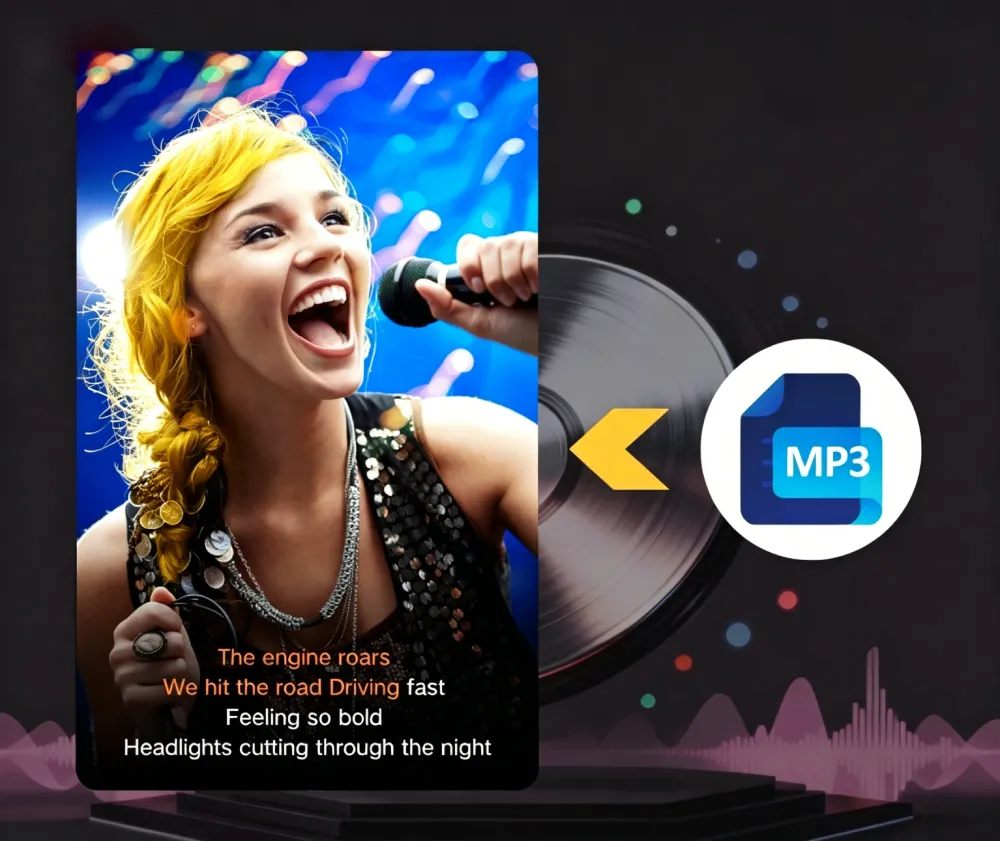
MusiCoT Engine
Active Generation v9.4
Mureka AI Music Generator is built for fast song generation and practical iteration, helping creators move from a simple idea to a more complete music draft with lyrics, vocals, melody, and arrangement.
Describe your genre, mood, story, tempo, instruments, or vocal style, and Mureka AI can turn your prompt into a complete song draft with vocals and backing music.
Paste your lyrics or write from scratch, then use Mureka AI to create singable melodies, vocal performances, and structured songs across different styles and genres.
Guide the result with music style, genre, mood, vocal direction, instruments, and creative details so Mureka AI can better match the sound you want.
Generate full AI music tracks with vocals, melody, instruments, and arrangement, then use the output as a draft for demos, social content, creative projects, or production planning.
Mureka AI gives visitors a simple, direct workflow for creating songs online. Start with a prompt, lyrics, style, vocals, or instruments, then generate a full AI music draft in minutes.
Describe the song you want using genre, mood, language, vocal style, instruments, tempo, or creative direction. You can also paste your own lyrics to guide the song structure.
Prompt, lyrics, style, and instrument-based creation
Use Mureka AI to create a full song draft with vocals, melody, backing music, and arrangement. The tool turns your input into a more complete track instead of a short music idea.
Full AI song generation with vocals and arrangement
Listen to the result, adjust your prompt or lyrics, and generate another version if needed. Once the track fits your idea, use the available export options for demos, social content, or creative production.
Best for song ideas, draft selection, and creator workflows
See the types of songs Mureka AI can help create, from vocal pop and cinematic music to acoustic demos, multilingual tracks, and short-form content ideas.
Off-Grid Heartbeat
Bedroom Pop“Intimate bedroom pop with warm acoustic guitar, soft whispery female vocals, nostalgic synth pads, and a slightly swinging lo-fi groove.”
Voltage Rush
Electro House
“High-energy electro house track with gritty distorted synth leads, punchy side-chained bass, and heavy four-on-the-floor rhythm.”
Pulse Driver
Tech House
“Driving tech house anthem with a deep percussive bassline, sharp hats, minimalist vocal stabs, and hypnotic club groove.”
Mureka AI is useful for creators, musicians, and teams that need faster ways to generate, test, and refine original music ideas.
Create original background music, hooks, intros, and mood-based tracks for YouTube, TikTok, ads, reels, and social campaigns.
Use Mureka AI to prototype song ideas, test lyrics, explore new genres, and compare different vocal or instrumental directions before production.
Generate early music ideas for loops, ambient scenes, menu tracks, character themes, and soundtrack direction during product development.
Use Mureka AI to explore music generation workflows for campaigns, demos, content pipelines, or AI-powered music features.
Mureka AI Music Generator currently supports Mureka V8 and Mureka V9, giving creators different options for song generation, fast drafts, and more polished music output.
Create AI songs directly on this page with the Mureka AI generation tool. Enter your prompt, lyrics, style, vocals, or instruments, then generate a full music draft in minutes.
Mureka AI Music Generator helps you create full AI songs from prompts, lyrics, styles, vocals, and instruments. Find answers about features, pricing, credits, vocals, and usage.
Mureka AI Music Generator is an online AI music creation tool that helps users create songs from prompts, lyrics, genres, styles, vocals, and instruments. It can generate full music drafts with melody, vocals, backing music, and arrangement.
Mureka AI Music Generator works by turning your creative input into a structured song. You can describe the genre, mood, language, vocal style, instruments, or lyrics, then the tool generates an AI music track based on your direction.
Yes. You can paste lyrics into Mureka AI Music Generator and use them as the foundation for a song. The tool can turn lyrics into singable melodies with vocals, instruments, and arrangement.
Yes. You do not need to write lyrics first. You can start with a simple prompt, genre, mood, vocal style, or instrument direction, and Mureka AI Music Generator can create a song draft from that idea.
You can guide Mureka AI Music Generator with song style, genre, mood, language, vocal direction, instruments, lyrics, and creative details. Clearer input usually helps the tool produce a result closer to your intended sound.
Yes. Mureka AI Music Generator can create songs with AI vocals, including melodies and vocal performances based on your lyrics or prompt. You can also guide the vocal style through your input.
Mureka V8 is useful for stable everyday song generation, while Mureka V9 is designed for more polished full-song output. V9 offers stronger prompt understanding, more natural vocals, better song structure, and improved overall track coherence.
Mureka AI Music Generator is free to start, so new users can test the music creation workflow before buying more credits. Usage limits and available free credits may depend on the current account policy.
No subscription is required. Mureka AI Music Generator uses a credit-based workflow, so you can create music with available credits and buy more when needed.
Mureka AI Music Generator is useful for video creators, musicians, producers, game teams, app builders, marketers, and casual creators who need original music ideas, song demos, background tracks, hooks, or fast creative drafts.
Use Mureka AI Music Generator to create your first song directly on this page. When you need more detail, explore the V9 model page, pricing options, or music generation tutorial.
Direct song generation, model details, pricing, and learning resources in one place.